VR Features
We're obsessed with creating awesome experiences
= standard features included as complementary in the regular pricing
= optional features requested at an additional price
Our Quality
Highest resolution
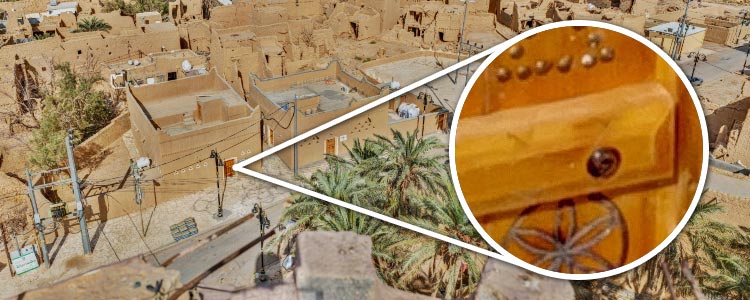 We start from 60 megapixels as our standard (and perhaps lowest) resolution, up to thousands of megapixels or gigapixels.
HDR Photography
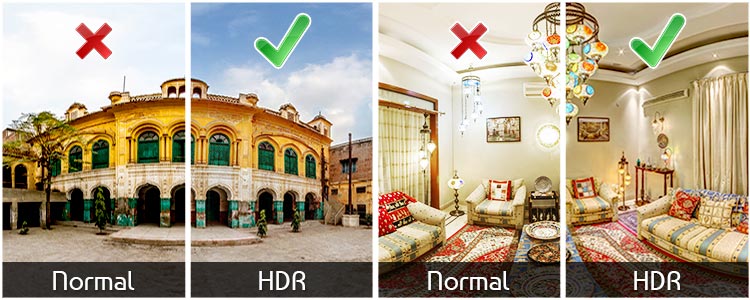 High Dynamic Range Photography (HDR) is a blending of multiple exposures of the same aspect to allow both bright and dark areas to be seen with utmost clarity. This makes the images appear as close to reality as possible. We use HDR in all our work!
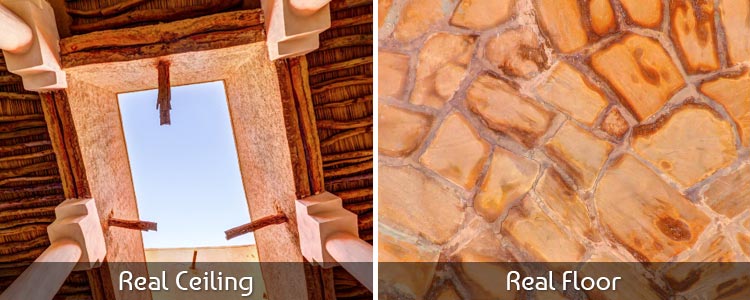 Complete panorama including the real floor and ceiling. No Photoshop or patching. No sign of our crew or equipment not even their shadows or reflections are visible any where!
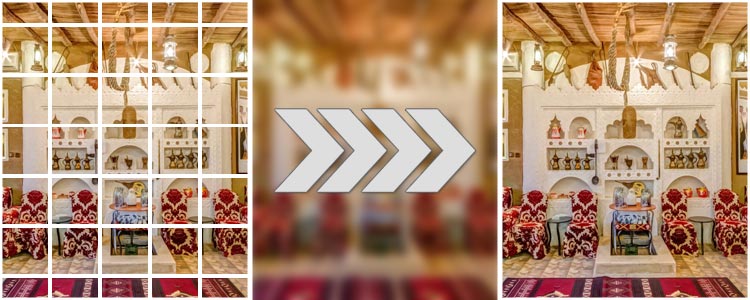 Faster dynamic loading of the zones to be displayed (multi-resolution)
User Experience [UX]
Custom branding with logo integration
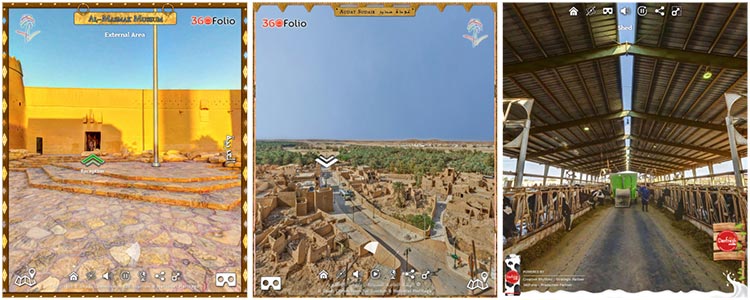 Although the idea of having a virtual tour is to show your facilities, think of how effective it would be having your organization’s logo appear in the tour, would be. The logo along with custom design according to your brand, can be produced as graphics and made linkable - useful for reinforcing your brand image.
Interactive experience with navigation ‘hotspots’ & controls
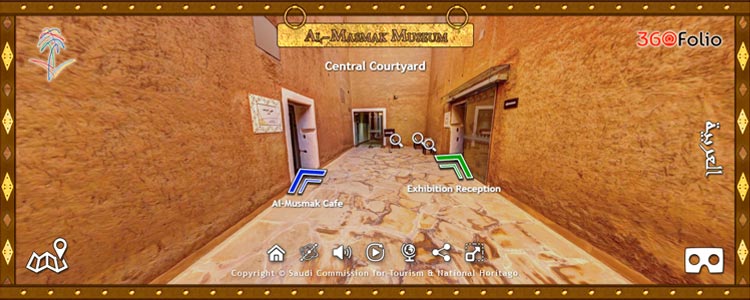 Controls provided as buttons for navigation in a virtual tour to pan, tilt and zoom including a help screen for new viewers. Moreover for those not wanting to navigate by means of a map and prefer the feeling of a walk-through tour, we can provide graphic hotspots within the panorama that enable the user to move from one image to the next with the click of a mouse.
Auto-rotation & auto-tour - automatic sequencing of the panoramas
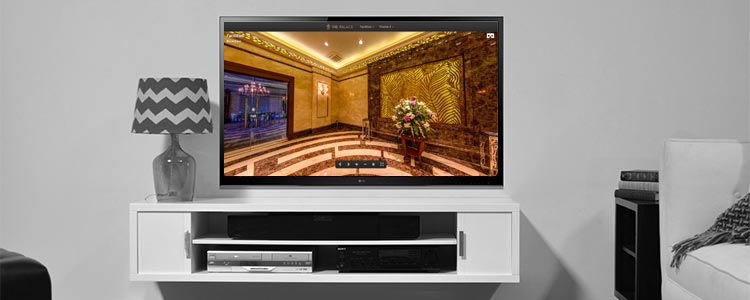 The virtual tour includes auto-tour and auto- rotation capabilities that activates when left untouched for a few seconds. It can displayed on a screen viewable to visitors in a lobby or in a public place.
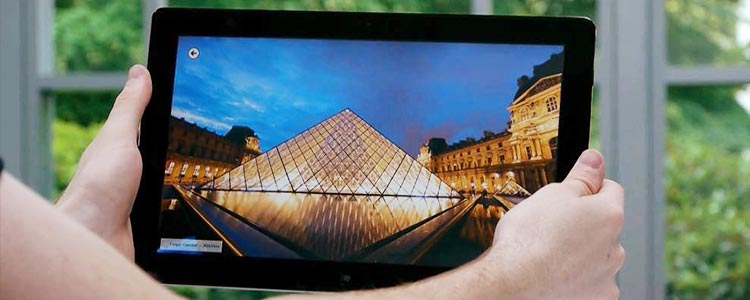 View the tour by turning the mobile or tablet device at different angles.
Virtual reality (VR) mode compatible
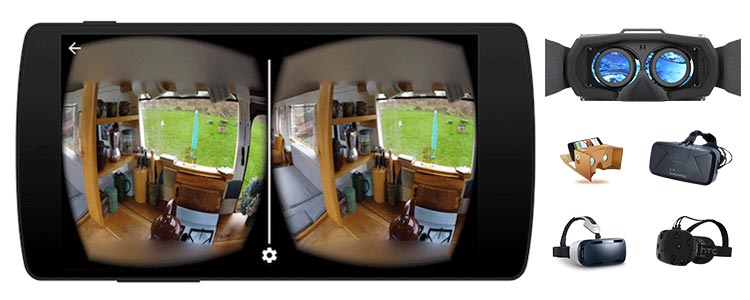 Virtual reality (VR) mode compatibility for viewing with VR headsets or HMDs (head mounted devices) such as Oculus Rift, Samsung Gear VR, HTC Vive, Razer OSVR and Google Cradboard.
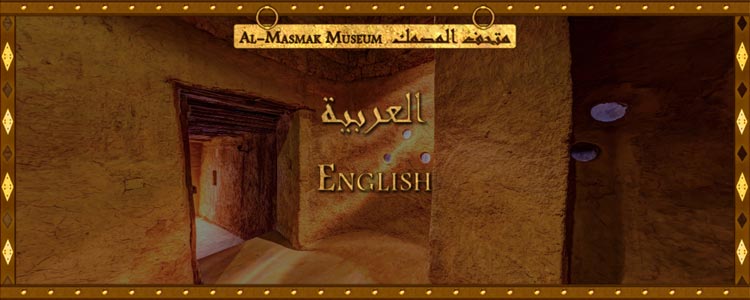
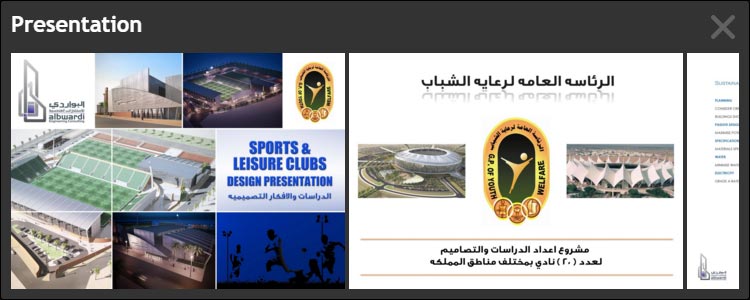 The client's website or any custom HTML page can be linked in a popup box. Similrly a PDF document or catalogue can be embedded.
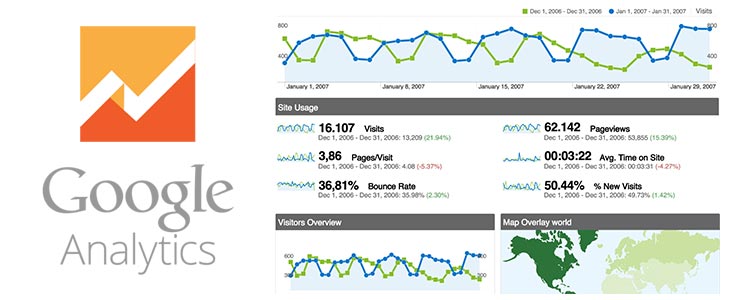 Google Analytics integration to measure conversions and give insight into how visitors are finding and using the virtual tour.
Security Restrictions
Integrated Multimedia
Dynamic video (or a virtual guide)
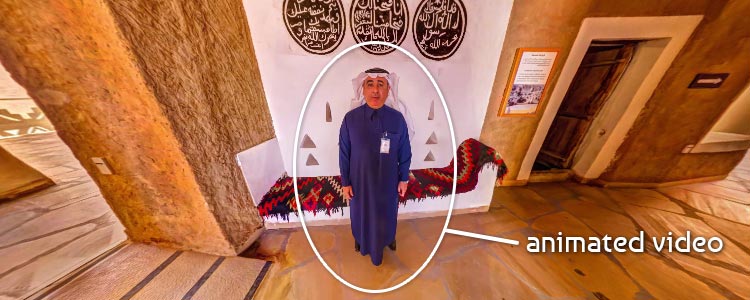 Partial spherical video embedded in a still panorama to show animation. This can be of any process that needs to be shown or a person speaking as a virtual guide.
Standard video embed
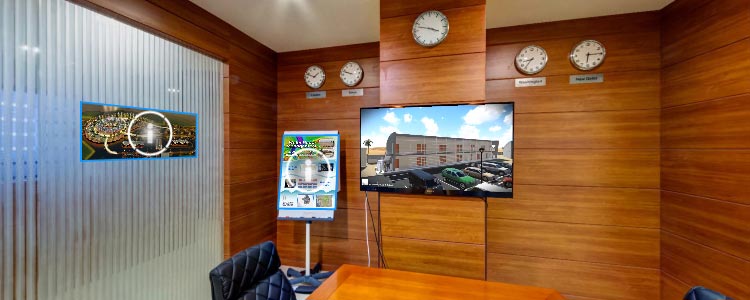 Instead of leaving a TV/LED screen blank or still, a video can be embedded to enhance the VR experience.
Photo galleries or images
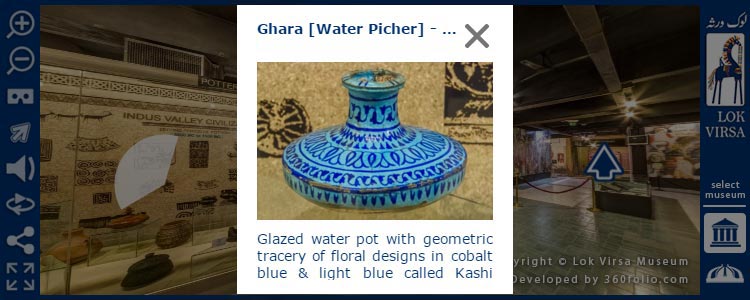 Photo galleries or individual images can be added with title & caption for each.
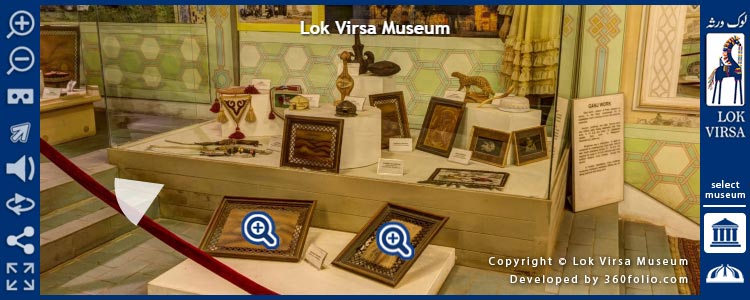 We can take photographs of the items/objects or scenes to be embedded as flat images in a panorama.
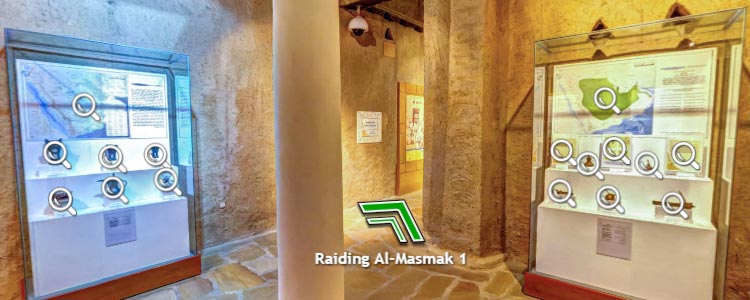 “Click-to-Open” media hotspots that would show any media e.g. text description, image, sound, video, website, an HTML page or a PDF document.
Maps & Floor Plans
Multi-level floor plans integration
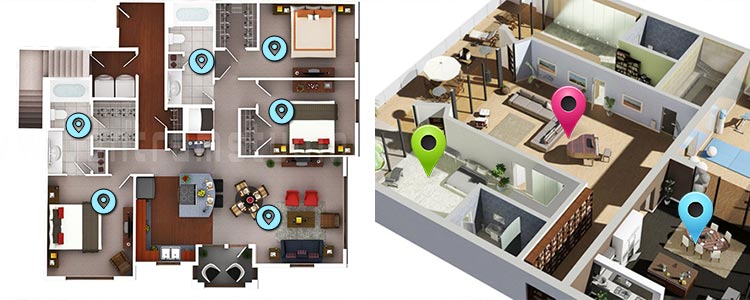 We can integrate interactive 2D/3D floor plans of your building, with clickable spots linking to each location. When required, these can be rendered in multiple plans, providing a snappy and dynamic means of navigating through the tour. If not available, we can have one designed for your facility both in 2D or 3D formats.
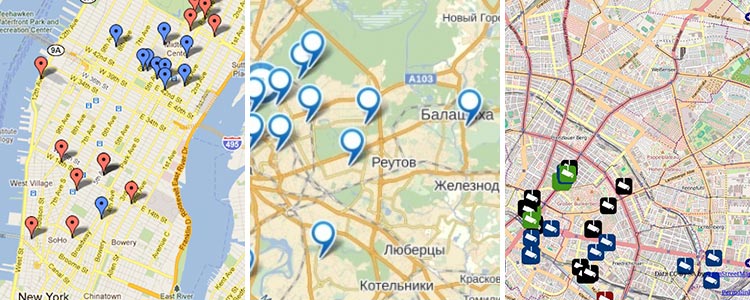
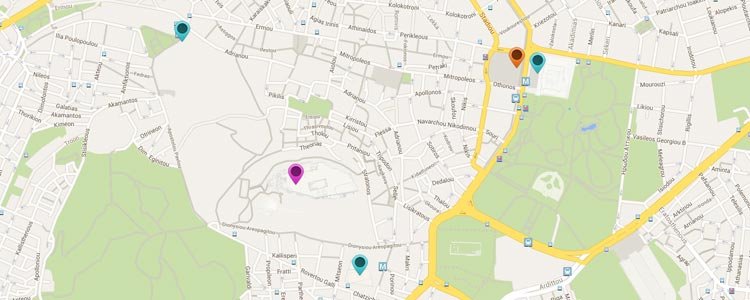
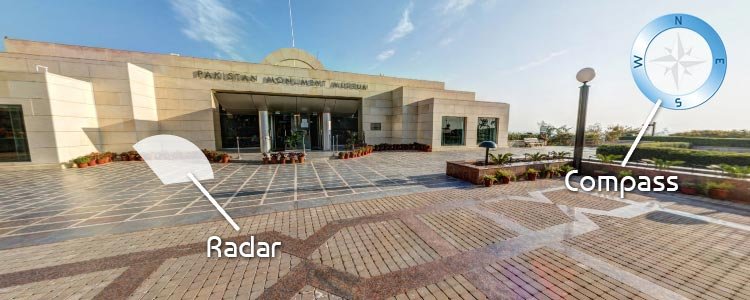 The compass indicates the viewing direction while the radar displays the current field of view.
Special Effects
Little planet introduction
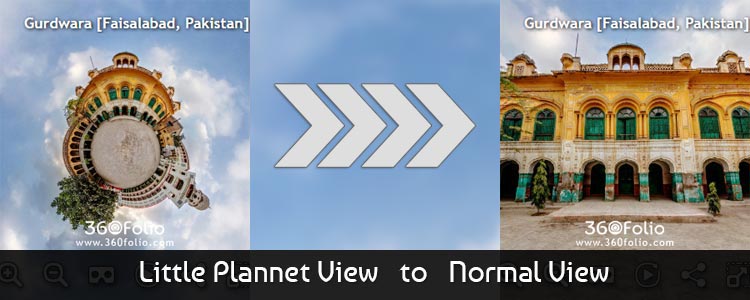 Impress the visitors from the very start of the tour by activating the “little planet” effect. It will display your virtual tour as a planet that unfolds in seconds to reach the standard view for navigating the tour. This gives the feeling of a total immersion in the place visited.
Panoramic projections menu
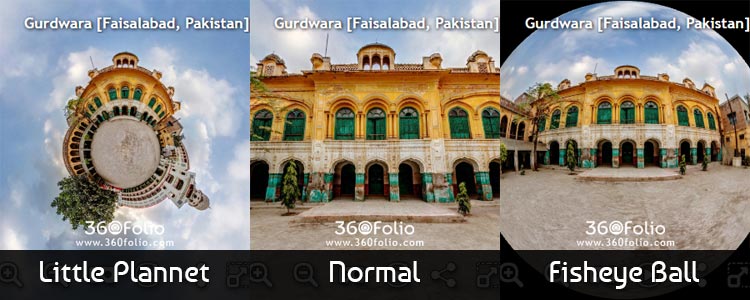 Panoramic projections menu displaying all the available projections in a contextual menu: normal, fisheye, architectural, stereographic, pannini, little planet, fisheye ball. All our projects contain this menu which can be accessed by right-clicking in the virtual tour interface.


Social media integration with direct-linking